
Forgot your password? Worry not. You can easily reset your password and create a new one! Just follow the steps below.
Resetting Password
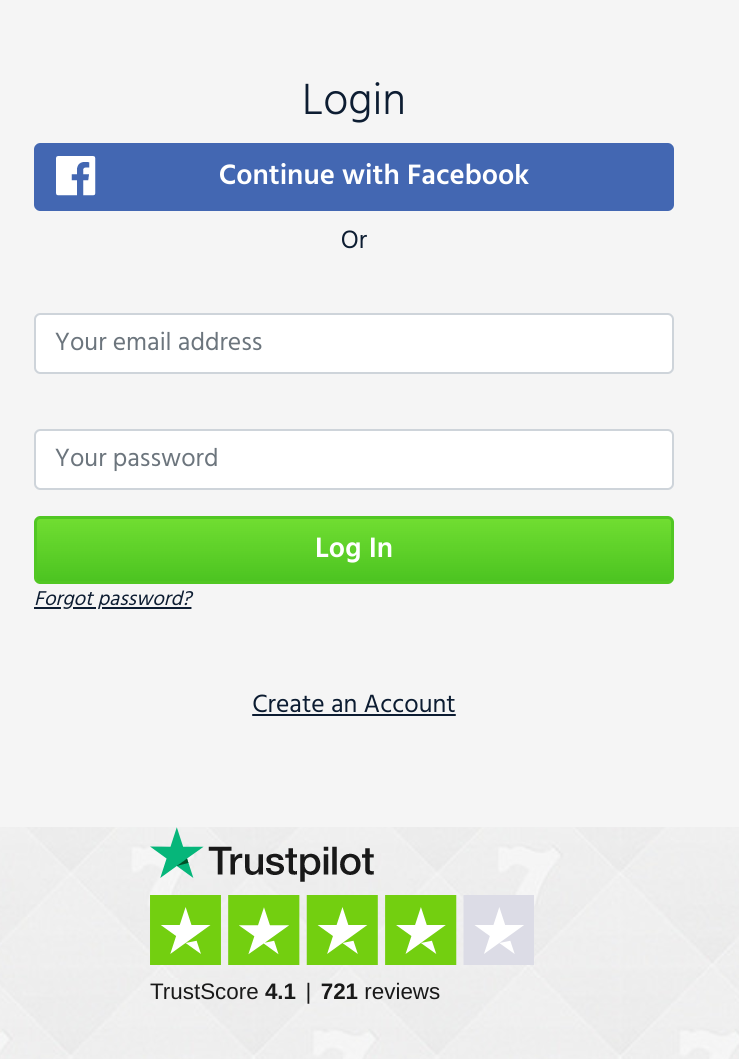
Step 1: Click "Forgot password?"
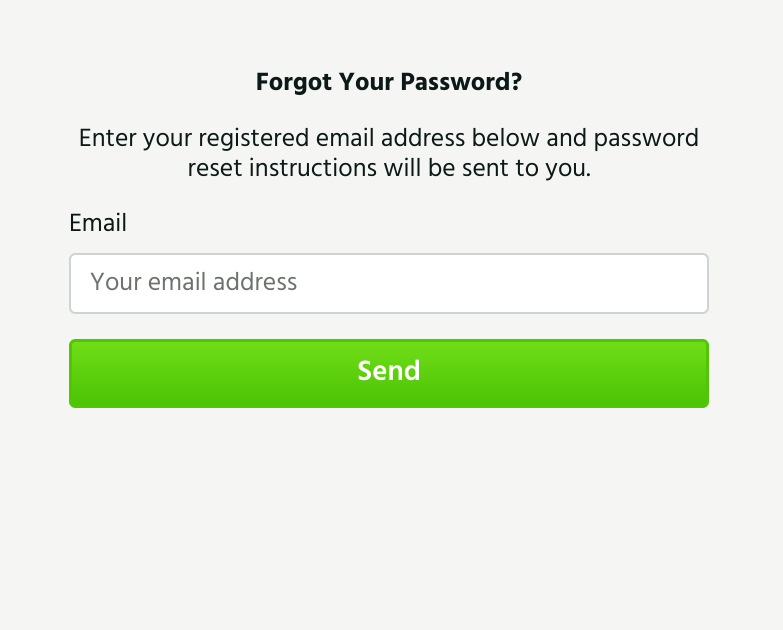
Step 2: Enter the email address associated with your Casino account.
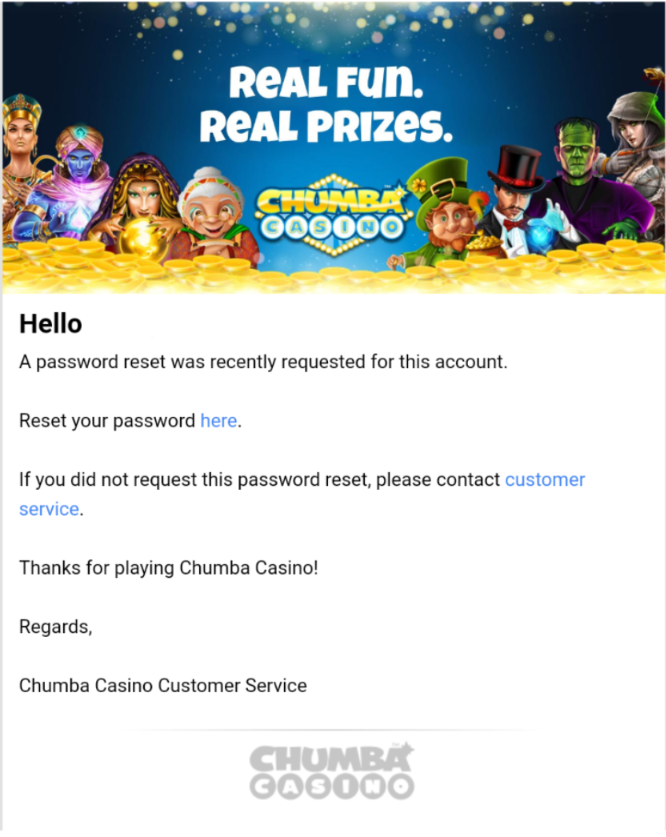
Step 3: An email with a link to reset your password will be sent to your email. Just click the word "here" in your email to redirect you to the change password page.
Step 4: A new page will show up. Input your Casino account registered email address and your new password. Click "Reset & Play" once done.
NOTE: Password must be at least 8 characters long, must have at least one upper case letter and at least one number.

Once done, you should be able to use the new password that you have entered to access your account.
Do you need further help? You may contact our Customer Support team by sending us a message via email.
Comments
0 comments
Article is closed for comments.